Note: Hauling charges won’t show until Prairie Farms runs hauler pay and it’s approved.
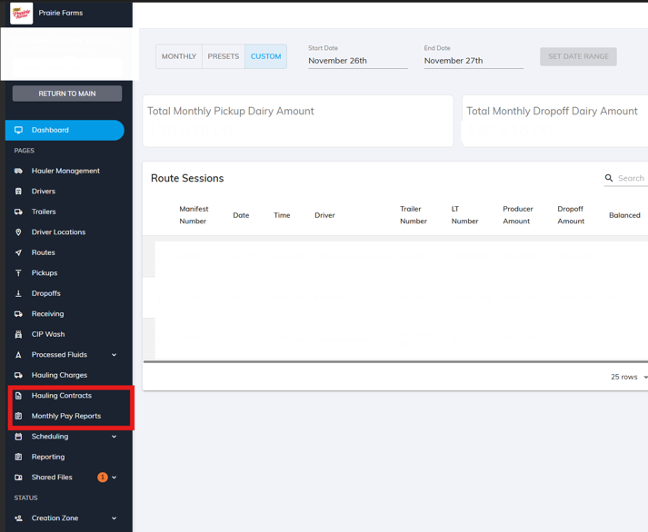
Log into your Milk Moovement account to view your Hauler Dashboard. The default dashboard will show you your monthly dairy pickup/dropoff amounts and route sessions.
1. On the left sidebar you will see Hauling Contracts and Monthly Pay Reports and Hauling Charges. These three pages will give you the relevant information you need.
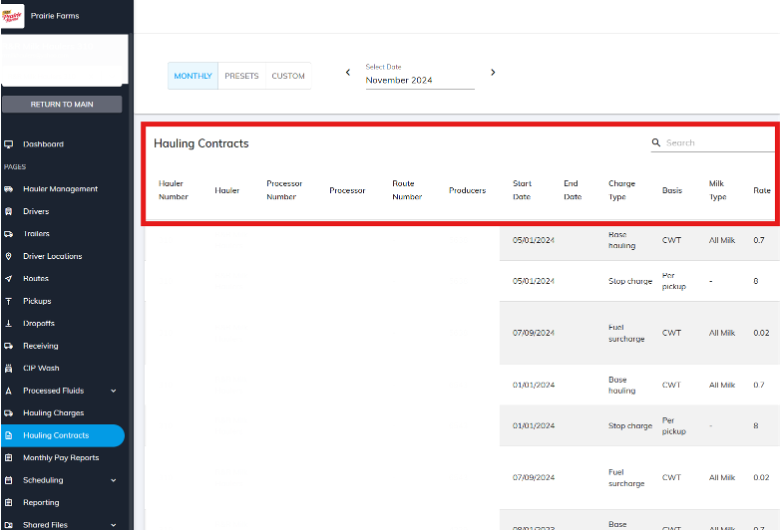
2. Once you click into Hauling Contracts, you will be defaulted to the current month's hauling contract but this can be edited to view and time frame desired. In this report, you will find contract information such as Producer Number, Start Date, Charge Type, Basis, Rate.
The visible fields of the report can be edited through the gear column at the top right if you wish to customize the view. This report can then be exported through the download button at the top right.
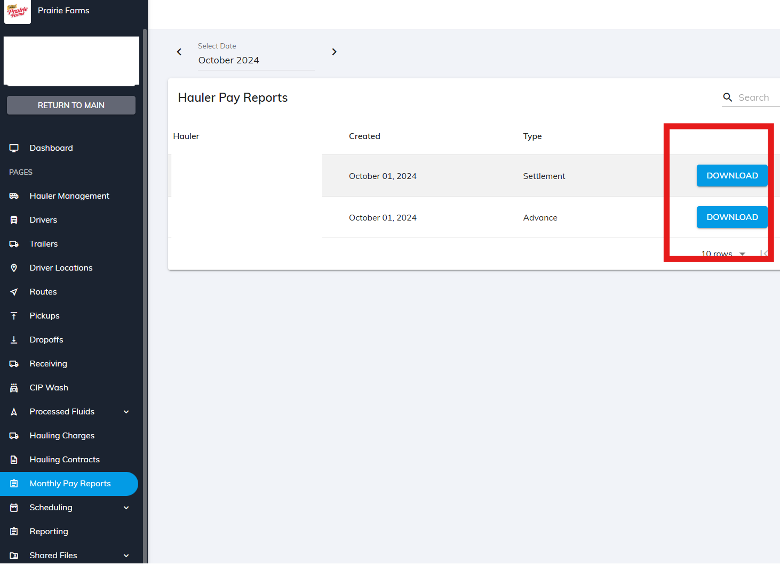
3. In Monthly Pay Reports, you will be able to access your monthly Hauler Pay Settlement and Advance once they become available. Simply go the month you would like to view pay for and download the associated files.
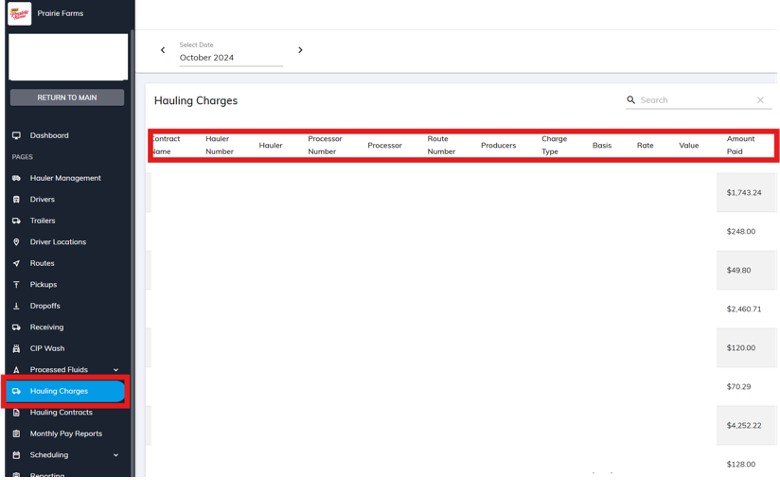
4. The Hauling Charges page gives you a detailed breakdown of the actual amounts paid per month based on the contracts once it is approved by Prairie.
Still have questions? Hit the chat button in the bottom right corner of your screen to send a message to Milk Moovement’s 24-hour support line!